Proof from the product
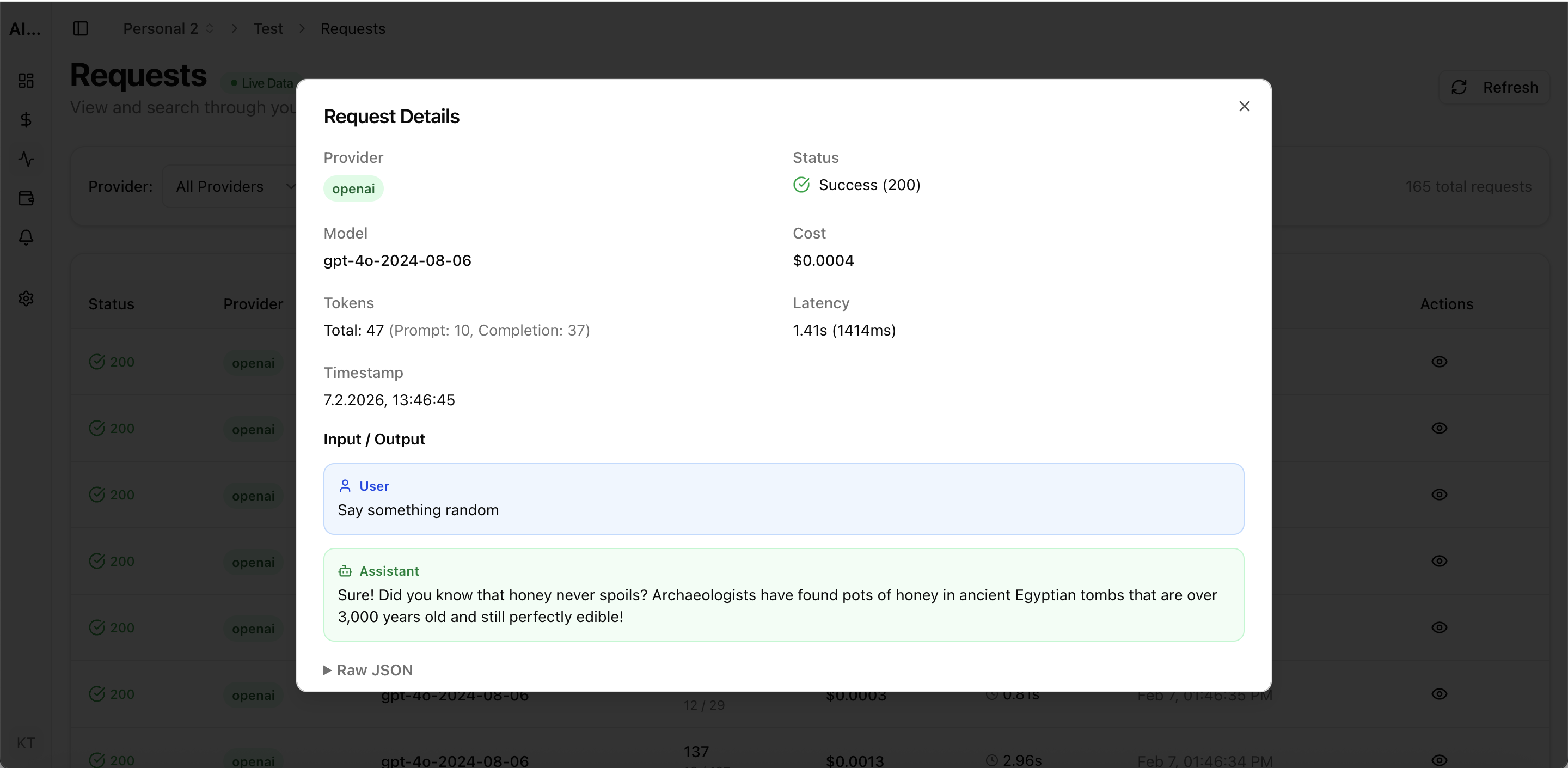
Real UI snapshot used to anchor the operational workflow described in this article.
AI teams often scale requests faster than cost controls. The result is predictable: monthly spend rises, latency gets noisy, and no one can explain which product flow caused the spike. This guide gives you a framework to cut cost while preserving output quality.
Real UI snapshot used to anchor the operational workflow described in this article.
Provider-level billing is useful, but product decisions happen at project level. Split your traffic by workspace and project, then track spend per feature, endpoint, and model. This reveals where cost actually originates.
Not every request needs the same model. Define quality tiers: lightweight model for classification and extraction, mid-tier for standard generation, high-tier for complex reasoning. Route automatically based on task profile.
Set alert levels at 50%, 80%, and 100% of budget before launch. Alerts should be scoped by environment and project so engineering can act before overage hits the monthly invoice.
Prompt templates drift over time. Audit them monthly. Remove duplicated instructions, compress static context, and trim examples that no longer improve output quality.
Many AI workloads are semi-repetitive. Cache deterministic transformations and retrieval-heavy responses where possible. Even a modest hit rate can materially lower total cost.
Median cost can look healthy while outliers burn budget. Filter logs by high token count, high latency, and error retries. Then fix the few flows that account for most spend.
AI Observability Stack for SaaS Teams: What to Measure Beyond Tokens and Spend
observability · framework
LLM Cost per Support Ticket: How to Track and Lower AI Service Margins
cost-optimization · commercial
AI Feature Unit Economics Framework for SaaS and Agency Teams
cost-optimization · framework
Token Budgeting for RAG Systems: Control Context Size Without Losing Accuracy
cost-optimization · problem
Cost optimization is an operations discipline, not a one-time config change. Teams that combine routing, observability, and budget controls consistently lower spend while shipping faster.